
Managing metadata properties
Metadata properties define additional fields attached to each asset in your project. They help you:
- Add meaningful context to assets (e.g., acquisition date, location ID, scenario type).
- Filter and search assets more efficiently.
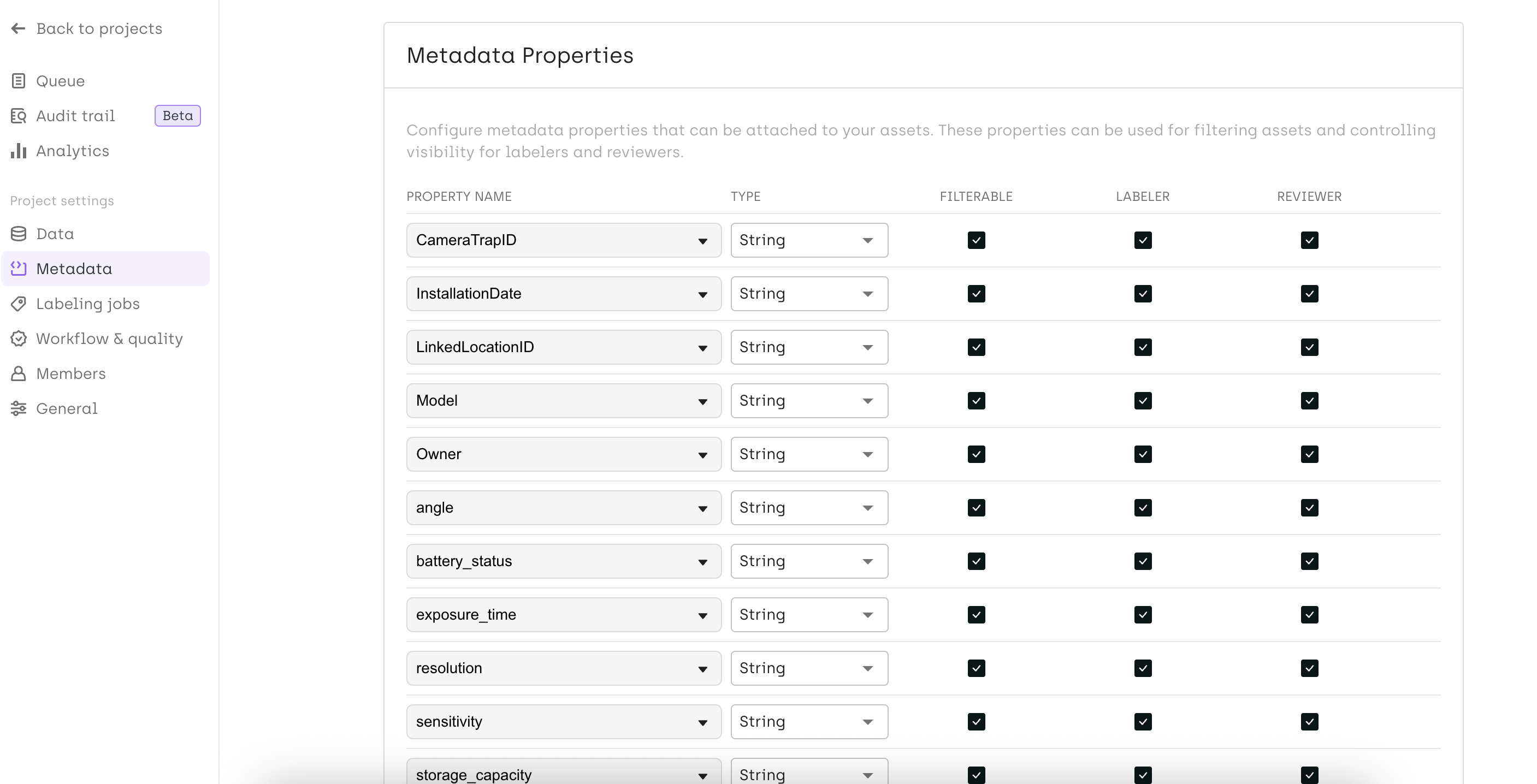
You can configure metadata properties directly in the Project Settings under the Metadata section.
Supported data types in filters
Metadata properties support structured data types to ensure consistency and meaningful filtering:
- String - For text values such as IDs, categories, or descriptions.
- Number - For numeric values (e.g., altitude, score, batch number). In the asset list, Number metadata can be filtered using a slider, enabling quick selection of a value range.
- Date - For temporal information like acquisition dates or event dates. Filters allow selection of a date range.
Updated 11 months ago
Did this page help you?