
Deleting assets
To delete an asset:
- From the project Queue page, select the assets that you want to delete.
- From the Quick actions menu, select
Delete.
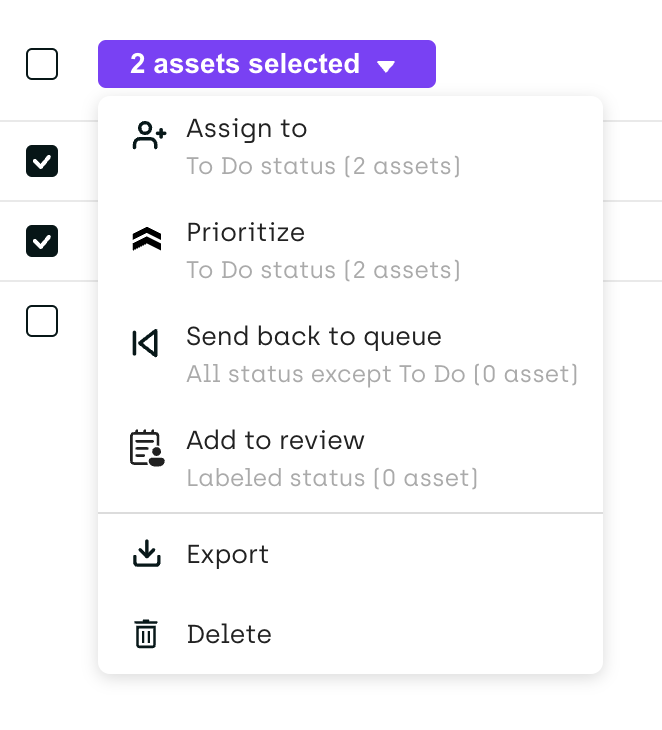
For information on how to delete assets programmatically, refer to the Kili SDK.
Restoring deleted assets
Deleted assets are kept for 7 days. After that, they are permanently deleted.
To restore deleted assets:
- From the project Queue page, open the … menu and select Recently deleted.
- Select the assets that you want to restore.
- Click Restore.
Restored assets go back to the queue with their labels.
Only project admins can delete and restore assets.
Updated 22 days ago
Did this page help you?