
December 3rd, 2025
10 months ago by Kili Technology
Changelog (26.1.15)
New
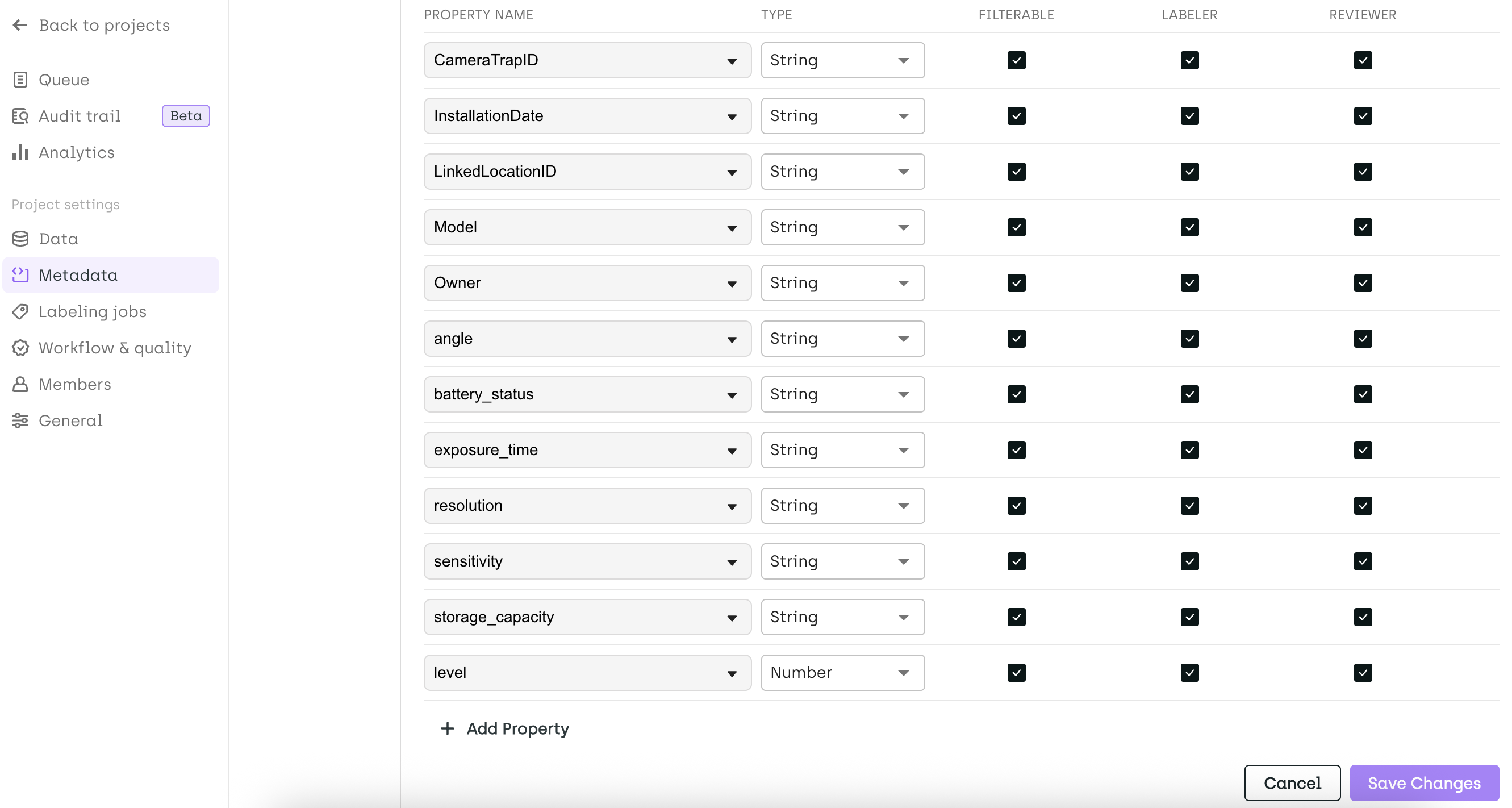
- Metadata Editor in Project Settings
You can now configure asset metadata directly in the project settings. Define visibility rules (to labelers and/or reviewers in the labeling editor) and set filtering options with supported data types: String, Number, or Date.
- Activate Consensus Ahead of Labeling
In multi-step workflows, you can now enable consensus on assets before they are labeled using theupdate_asset_consensusmethod in the SDK.
Change
Is NotOperator Added to Additional Filters
Theis notoperator is now available for the Reviewer, Step, and Status in Step filters.- Deleted Workflow Steps Displayed with Strike-Through
If a workflow step is deleted, any assets previously in that step will now appear with strike-through text to clearly indicate the state. - Improved BBox Rotation Icon Visibility
The bounding box rotation icon has been enhanced to ensure better visibility on dark images. - Removal of Thumbnail View in Geospatial Projects
The thumbnail view is no longer available in Geospatial projects. We are working on a new, more relevant view tailored for geo-located data — stay tuned!
Fix
- [Geospatial Tile Loading Performance] Rendering geospatial image tiles is now faster and more responsive.
- [Export] Performance improvements when exporting labels from the Kili application for Geospatial and Video projects.